If you have been using our proxy network normally, today's update will not change anything for you.
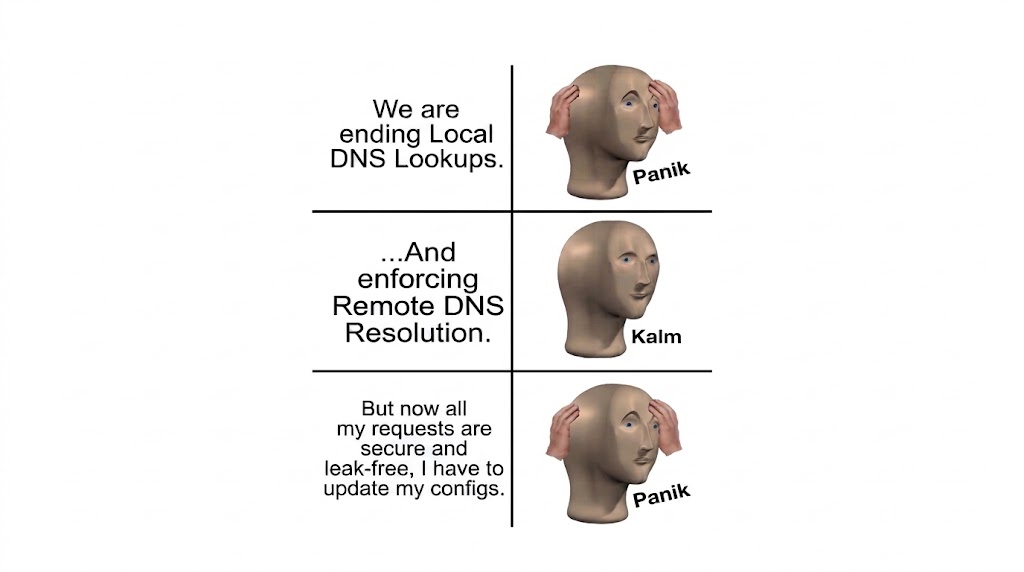
Starting today, we are officially enforcing remote DNS resolution across all proxy endpoints: residential, mobile, and datacenter pools. Traffic routed through our network must now let the proxy server handle hostname resolution. If your app or client setup does a local DNS lookup before sending traffic through a proxy, those requests will now fail.
(Note: This update applies universally across our entire proxy infrastructure.)
While this might break custom scripts that rely on pre-resolved IP addresses, it is a necessary move to protect privacy, enforce access rules, and keep our network reliable.
Why We Made This Change
Most HTTP and SOCKS5 client libraries already handle DNS proxy-side by default, like using
socks5h://socks5://Still, local DNS lookups remain a really common setup mistake when working with proxy connections. Here is why we decided to enforce remote resolution at the protocol level:
-
Stopping DNS Leaks
When your client resolves a domain name locally before tunneling traffic through a proxy, your machine sends a query straight to your local ISP or local DNS provider.
-
The Privacy Risk: Even if your actual HTTP or TCP traffic goes through an encrypted proxy, your ISP or local network admin can still see every domain you try to visit.
-
The Fix: Forcing DNS resolution on the remote proxy server keeps both the domain lookup and the actual data inside the encrypted tunnel, completely fixing local DNS leaks.
-
-
Protecting Security and Access Controls
Local DNS lookups can be abused to bypass security bounds. By resolving a hostname to a direct IP locally, bad actors can attempt to hit backend endpoints directly, stepping right around domain-based blocklists and web application firewalls. Enforcing resolution at the proxy level gives our edge architecture a chance to check domain requests against security policies before a TCP connection even opens.
What You Need to Do
For most of our proxy users, you do not need to do anything.
If you run custom scripts, cURL commands, or low-level network libraries with any of our endpoints, just double-check your connection flags to make sure you are passing domain names instead of pre-resolved IPs:
-
cURL users: Make sure you use the proxy protocol that delegates DNS, so use
instead ofsocks5h://socks5:// -
Python users (requests / httpx): Use standard proxy URLs with scheme formats like
orhttp://socks5h:// -
Custom Code: Pass raw hostnames directly in your host headers and socket connections instead of resolving hostnames locally before connecting.